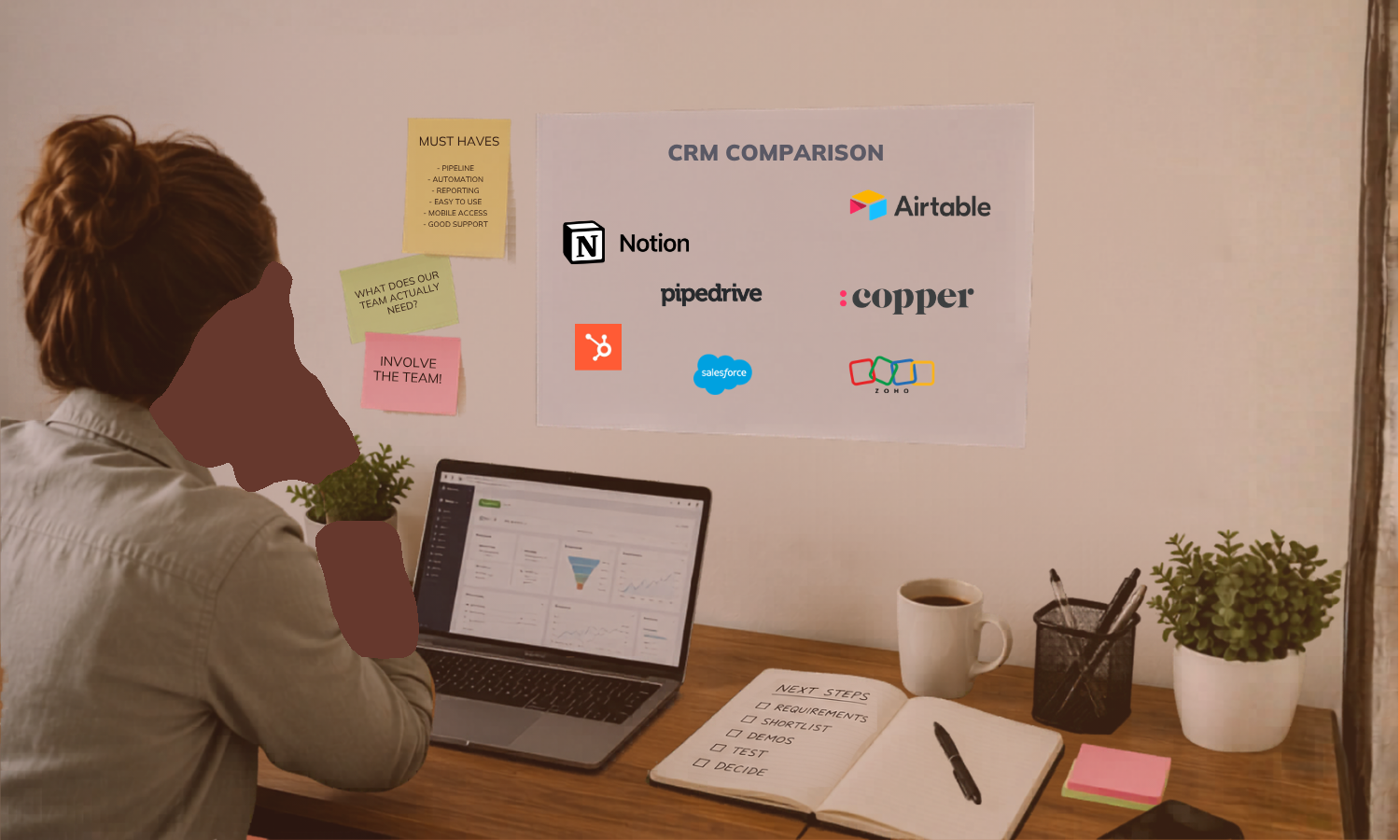
If you've ever Googled "best CRM software," you already know the problem. You get a wall of comparison tables, star ratings, and affiliate-heavy listicles that all somehow manage to recommend the same five platforms. None of them tells you what you actually need to know: which CRM fits the way your business works.
That’s why, in this guide, Day by Day doesn’t explore the features of individual CRMs. Instead, we focus on the CRM selection process: the how-to of evaluating software against your needs and choosing a CRM that fully serves you.
Key Takeaways on Choosing a CRM
- Define your goals and map your process before you touch a single CRM vendor demo.
- Involve the people who will actually use the system.
- Evaluate CRM software against your actual workflows.
- Look beyond features to pricing structure, integrations, security, and scalability.
- Test with real data before you commit, and pay attention to vendor responsiveness.
What Is a CRM?
A CRM (Customer Relationship Management) system is software that centralizes how you manage contacts, leads, and client interactions. It's a database that gives everyone on your team a shared, up-to-date view of every relationship your business holds.
CRMs track pipeline stages, log sales activity, automate follow-up sequences, and generate reports that help you understand where deals are won or lost. The right one becomes the operational backbone of your revenue process.
Types of CRMs
CRM types are usually grouped into four categories based on what the system is mainly designed to do.
- Operational CRM focuses on day-to-day business processes like sales pipelines, marketing automation, lead management, and customer support.
- Analytical CRM is built around collecting and analyzing customer data.
- Collaborative CRM helps different teams, departments, or communication channels share customer information so interactions stay consistent across the business.
- Strategic CRM takes the long view: keeping customers happy and holding onto them longer by making decisions across the business with their needs front and center.
Define Your Goals and Needs Before You Choose a CRM
This is where most businesses go wrong. They open a browser tab, search "best CRM for small business," and start scheduling demos before they've defined what problem they're actually solving.
The CRM selection process needs to start internally.
- Identify the gaps in your current process. Map your processes. Where do leads fall through the cracks? What's living in someone's inbox or memory that should be in a shared system? Which steps in your sales process are inconsistent across your team?
- Gather input from the people who will use it. End users are more familiar with the inefficiencies and gaps in current ways of working, while management can provide strategic direction for future-proofing the system. Involving end users early also boosts adoption and ROI. If your team resents the tool, it won't get used, and a CRM no one uses is a very expensive contacts spreadsheet.
- Set measurable objectives. Are you trying to shorten the sales cycle? Improve lead response time? Reduce the number of follow-ups that get missed? Concrete goals make it much easier to evaluate whether a given CRM actually solves your problem or just looks good in a demo.
This groundwork becomes your CRM requirements document: a clear picture of must-haves versus nice-to-haves that you'll use throughout the CRM selection process.
What to Look for in a CRM
Once you know what you need, the next step is setting clear CRM software selection criteria. Here's what matters and why.
Contact and lead management. Every CRM does this, but quality varies. Look for flexible contact records that capture the information your team actually uses, without forcing you into rigid field structures.
Pipeline and opportunity tracking. You want a visual, customizable pipeline that reflects your sales process. If you can't configure it to match your stages, you'll end up working around the tool instead of with it.
Sales activity and task management. Calls, emails, meetings, follow-ups: these should be loggable and visible across the team. The best systems independently surface what needs attention.
Workflow automation. Automation is where a good CRM starts to earn its keep. Automated follow-up sequences, task assignments, status updates, and notifications free your team from repetitive admin and reduce the risk of things slipping.
Reporting, dashboards, and analytics. You need visibility into what's working. Look for reporting that's flexible enough to answer your specific questions, not just preset dashboards that show generic metrics.
Mobile access. For teams that aren't desk-bound, mobile access is the difference between a CRM that gets used and one that doesn't.
Document management. Proposals, contracts, onboarding materials: if these live inside your CRM alongside the relevant contact or deal, your team spends less time hunting through shared drives.
Customer 360 view. The whole point of a CRM is for everyone to see the same picture. If data is scattered across three tools and two inboxes, you haven't solved the problem. This can either be solved in an all-in-one (though please, please, no) or with good integrations.
CRMs in an AI World
AI has moved from buzzword to genuine capability in most mid-tier CRM platforms. According to Salesforce's State of Sales report, 81% of sales teams are now experimenting with or have fully implemented AI, and teams using it are 1.3x more likely to see revenue growth.
In practice, this means tools that automatically log data from emails and calls, tell you which leads are worth chasing based on real metrics, flag at-risk deals, suggest next actions, and generate draft communications. AI-powered CRM systems give sales teams more time to nurture relationships while the software handles routine tasks.
That said, AI features are only as good as the data behind them. A CRM full of incomplete or inconsistent records won't produce useful AI insights.
Getting Technical: Other CRM Evaluation Criteria
Features are just one part of choosing the right CRM system. These technical specs matter just as much.
Cloud vs. on-premise vs. hybrid deployment. Most small and mid-sized businesses default to cloud-based CRMs, and for good reason: they require less infrastructure and are easier to maintain. On-premise solutions may be required for certain compliance environments. Hybrid options exist, but they add complexity.
Customization. You want a CRM that lets you customize reports, drop-down menus, and custom fields. A CRM you can't adapt to your process will force your process to adapt to it.
Integrations with your existing tech stack. Your CRM needs to connect with your email platform, your marketing tools, your billing software, and whatever project management tool your team lives in. If the integration story is weak, you'll end up with data living in silos even after the CRM is in place. This matters especially when you're thinking through business process consulting and building connected systems.
Security, compliance, and data governance. The CRM software you choose must guarantee the protection of your customers' confidential data and comply with the security requirements of the laws and regions in which you do business. If you work with European clients, GDPR compliance isn't optional. If you operate in healthcare or handle protected health information in any capacity, HIPAA compliance is equally non-negotiable: not all CRMs offer the Business Associate Agreements (BAAs) required to be HIPAA-compliant, so verify this before shortlisting. Check where the data is stored, how access is controlled, and the platform's security track record.
Scalability for future growth. When selecting a CRM, it's essential to look beyond immediate needs and consider long-term scalability. The last thing you want is to outgrow your CRM eighteen months after implementation.
Choosing the Right CRM Pricing Tier
Pricing for CRM software is more complicated than the monthly per-seat cost on the pricing page.
Common tiers. Most platforms offer a free or freemium tier with limited functionality, entry-level plans for small teams, mid-tier plans with automation and reporting features, and enterprise plans with advanced customization and support. Depending on your company's needs, pricing might range from $10 to hundreds of dollars per user per month.
Subscription vs. perpetual vs. pay-as-you-go. Subscription is the norm for cloud-based CRMs. Some older or enterprise platforms still use perpetual licensing. A small number offer usage-based pricing, which can work well for businesses with variable volumes.
Hidden costs. Implementation and data migration, training, add-ons for features you assumed were included, AI features locked behind premium tiers, and support packages: these can significantly change the total cost of ownership. Always ask vendors for a complete cost breakdown, not just the headline license price.
Calculating ROI. Tie your ROI calculation to the specific objectives you set at the start of the process. That makes it much easier to evaluate whether the investment is worth it.
Support and Training in the CRM Selection Process
Even a well-designed CRM has a learning curve. The quality of support and onboarding makes a real difference to how quickly your team gets value from the system.
Live chat, phone support, and dedicated account management vary significantly by pricing tier. Know what you'll have access to before you sign.
Some vendors include structured onboarding assistance; others hand you documentation and wish you luck. If you don’t have someone in-house who can handle the setup, vendor onboarding is crucial. This is also where working with a consultant who specializes in CRM implementation can save significant time and reduce the risk of getting locked into a system that doesn't fit.
How to Choose a CRM System
With your requirements documented and your evaluation criteria clear, here's a roadmap for how to actually pick a CRM.
- Build an evaluation checklist. Your must-have list becomes the filter.
- Narrow it to three to five vendors. Review platforms like G2, Capterra, and TrustRadius are useful here.
- Read reviews carefully. Pay attention to reviews that mention your use case specifically. A five-star review from an enterprise sales team isn't always relevant if you're running a service business with six people.
- Ask your network. Referrals from people who run businesses similar to yours are very valuable. Ask what they'd do differently if they were choosing again.
- Look at industry-specific use cases. If a platform has a strong track record with businesses like yours, that's worth weighing. Be careful and ensure they have the flexibility to customize parts of the workflow to suit your exact needs.
Test-Drive Your CRM Before You Commit
You wouldn't buy a car without taking it for a test drive. Free trials exist precisely for this reason, but most businesses don't use them well.
Request demos using your real workflows. Don't let vendors run a generic demo. Give them your actual use case: your lead stages, your typical deal size, your team structure. A CRM that looks polished in a canned demo may be clunky when applied to your actual process.
Run free trials with the people on your team who’ll be using it. The people who will use the system every day should be the ones testing it. Their feedback is far more useful than an executive's impression from a forty-five-minute demo.
Evaluate vendor responsiveness during the sales process. Slow responses, evasive answers on pricing, and pressure tactics are all signals worth taking seriously.
The Fail-Proof Route to Choosing the Right CRM
Choosing the right CRM is a significant decision, and it’s worth investing the time and care to do it well. If you'd rather skip the trial-and-error and get it right the first time, that's exactly what our Sales Pipeline at Scale service is designed for. We map your process, identify the CRM that fits how you work, and handle the implementation, so your team is using it effectively from day one. Book a consultation to talk through what that looks like for your business.
FAQs on How to Choose a CRM
What are the best CRM brands for scalability?
The most commonly cited scalable CRMs for growing service businesses include HubSpot, Salesforce, and Zoho CRM. But honestly, I’d avoid ALL of them for various reasons, but mostly because they’re clunky and usually intended for bigger companies. Take a look at Pipedrive or Copper for small to medium-sized businesses. Notion and Airtable are super flexible, and although they’re not built as CRMs, they will serve a scaling business very well. That said, "best for scalability" depends heavily on your industry, team size, and existing tech stack. What scales well for a SaaS company may be overkill (or the wrong shape entirely) for a consulting firm. The right choice starts with your requirements, not a brand ranking.
Can an AI assistant replace a CRM?
An AI assistant can’t replace a CRM in any practical sense. AI assistants can't build or maintain a functioning CRM system. What you will find is that many CRM platforms are now embedding AI assistants directly into their interfaces to power features like conversation summaries, email drafting, and deal analysis. AI inside your CRM is increasingly common. AI instead of your CRM is not a thing.
Do I need a CRM if I only have a few customers?
You may need a CRM even if you only have a few customers, though a simple spreadsheet may be sufficient at very early stages. The point at which a CRM becomes worthwhile is usually when your contact volume, follow-up complexity, or team size means things are starting to fall through the cracks. If you're losing track of conversations, missing follow-ups, or spending too much time reconstructing context before calls, that's the signal.
What is the easiest CRM to learn?
The easiest CRM to learn varies by team and use case. Platforms frequently mentioned for intuitive interfaces include Pipedrive or Hubspot. I would also consider building your own in Airtable or Notion. The most relevant test is whether your specific team finds it intuitive, which is why running a free trial with actual end users matters more than any usability ranking.
How long does it take to implement a CRM?
A basic implementation of a CRM with clean data and a small team can be done in a few weeks. A more complex implementation involving data migration, integrations, custom fields, automation workflows, and team training typically takes two to four months. Cutting corners on implementation is one of the most common reasons CRM projects fail. Getting it right from the start is worth the time.
.png)