Wondering what the difference is between a CRM and an ESP? You're not alone. These two acronyms show up constantly in conversations about business systems, marketing tools, and automation, and they're easy to confuse because they overlap. But they're built for fundamentally different jobs, and picking the wrong one (or expecting one to do the other's work) creates exactly the kind of operational chaos that slows growing businesses down.
At Day By Day, we walk you through what each tool does, where they overlap, how to integrate them, and how to decide which one, or which combination, makes sense for where your business is right now.
Key Takeaways: ESP vs CRM
- An ESP (email service provider) is designed to broadcast messages to a list, manage campaigns, and track email performance.
- A CRM (customer relationship management system) is built to manage individual relationships, track sales pipeline activity, and give you a full picture of the customer lifecycle.
- They overlap in core areas which is why people confuse them.
- Integration between the two creates a powerful, connected system. Some platforms (like ActiveCampaign) offer both in one.
- Though it’s not always an either/or, the right choice depends on your business model and your sales process, and of course, the stage of growth you're in.
The Function of an ESP
An ESP, or email service provider, is the tool you use to send marketing emails to your audience. Think newsletters, promotional campaigns, welcome sequences, and automated nurture sequences. Platforms like Mailchimp, MailerLite, Brevo, Kit (formerly ConvertKit), and ActiveCampaign are all commonly known as ESPs.
At its core, an ESP is a one-to-many communication tool. You write one email; it goes to hundreds, thousands, or tens of thousands of people. The infrastructure behind ESPs is built specifically for high-volume sending, with authentication protocols and relationships with inbox providers to maintain high email deliverability rates — something a basic CRM or standard business email account simply can't replicate.
Benefits of an ESP
ESPs offer strong benefits for businesses. Here are some of the main advantages:
- Bulk sending at scale. ESPs are purpose-built to send large volumes of email without landing in spam.
- List management and segmentation. You can organize contacts into lists or segments based on tags, behavior, location, or custom fields, and target each group with relevant messaging.
- Automated sequences. Set up welcome sequences, post-purchase follow-ups, or re-engagement flows that trigger automatically based on subscriber actions.
- Detailed email analytics. Open rates, click-through rates, unsubscribes, and conversion data give you a clear read on what's working and what needs adjusting.
- Templates and design tools. Most ESPs offer drag-and-drop editors and pre-built templates that make creating polished emails fast and accessible.
Things to Take Into Account When Using an ESP
Before choosing or using an ESP, there are several important factors to consider to ensure it fits your business needs.
- ESPs are marketing tools, not sales tools. They're not designed to track individual conversations, manage deals, or give you a complete view of where each lead sits in your pipeline.
- Contact records are shallow. An ESP typically stores name, email address, and behavioral data tied to your emails. It won't capture phone call notes, meeting history, or contract status.
- Automation is email-triggered. Sequences fire based on email actions (opens, clicks, form submissions), not on the full scope of your business relationship with that person.
For businesses doing content marketing, building an audience, or nurturing a list before a launch, an ESP is essential infrastructure.
The Function of a CRM
A CRM, or customer relationship management system, is the hub of your sales operation. Where an ESP manages mass communication, a CRM manages individual relationships. It tracks every interaction, calls, emails, meetings, proposals, contracts, and maps each contact's progress through your sales pipeline.
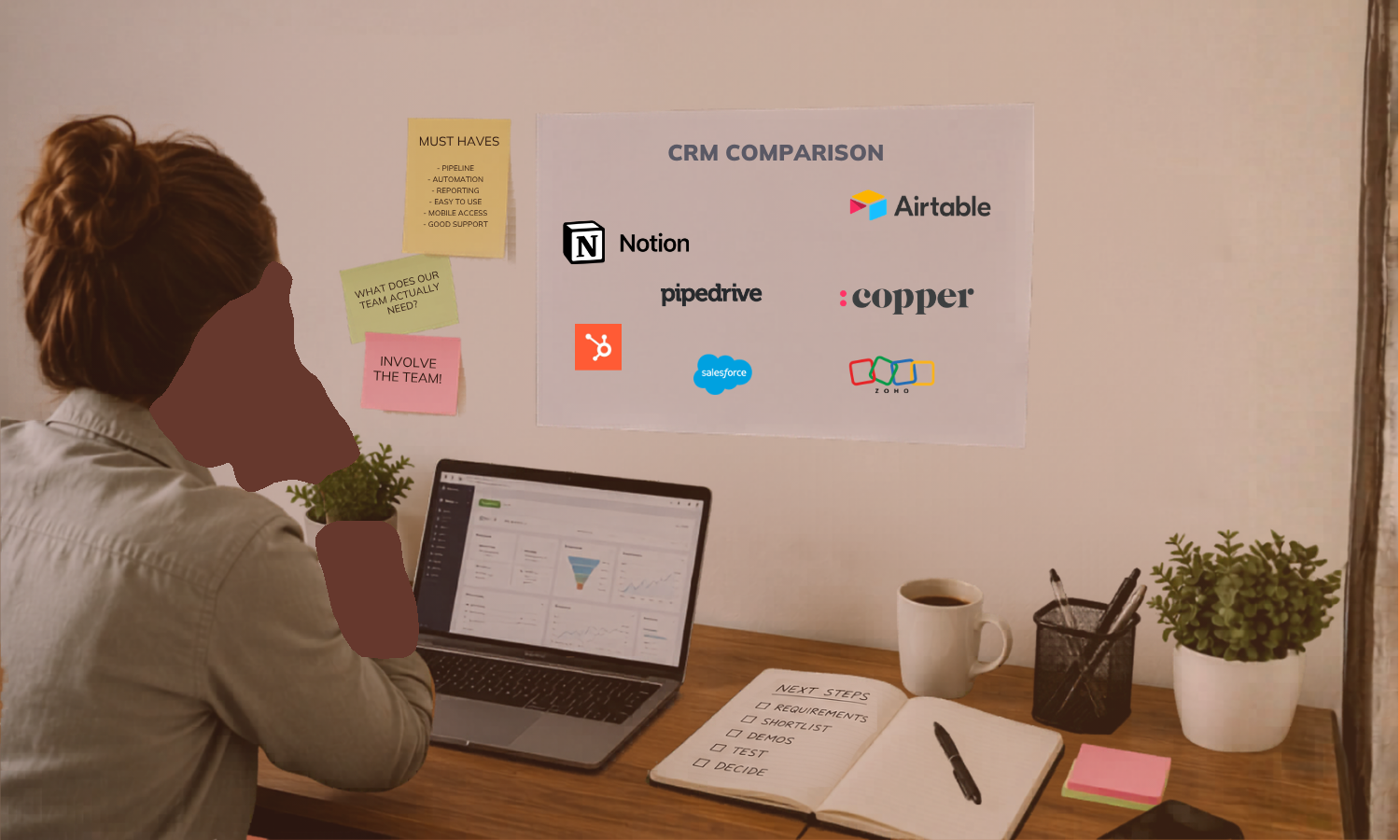
Popular CRMs include HubSpot, Salesforce, Pipedrive, Copper, and (when used for its sales pipeline features) ActiveCampaign. The right CRM for your business depends heavily on the complexity of your sales process and your team size. A solopreneur with a high-touch consulting practice has very different CRM needs than a 20-person sales team.
Pros of a CRM
Implementing a CRM can transform how you run your business. Here are a few benefits of a CRM:
- Full customer history. Every interaction is logged, giving you and your team a complete picture of the relationship at any point in time.
- Pipeline visibility. See exactly where each deal or prospect sits, what the next step is, and how much revenue is in play across all your open opportunities.
- Task and activity management. CRMs can automatically create follow-up tasks, assign them to team members, and send reminders so nothing falls through the cracks.
- Advanced segmentation and lead scoring. Identify your hottest leads based on behavior, engagement history, and custom scoring criteria so you spend your time where it counts.
- Workflow automation beyond email. CRM automation can update deal stages, notify team members, trigger proposals, and coordinate across your entire sales and onboarding process — not just your inbox.
Potential Drawbacks of a CRM
Like any tool, a CRM comes with its own set of possible downsides.
- CRMs are relationship tools, not broadcast tools. They're not built for sending newsletters or large-scale campaigns to a cold or warm audience.
- Higher complexity and cost. A capable CRM typically costs more than a basic ESP and requires more setup and maintenance.
- Overkill for some business models. If your sales process doesn't involve multiple touchpoints, a pipeline, or a team, a full CRM may be more tool than you need right now.
If your business relies on a man**l sales process that requires speaking with someone before closing a deal, a CRM is essential. It helps you track every lead, conversation, and next step without relying on memory or messy spreadsheets. Not sure whether your sales process is complex enough to justify a CRM? CRM consulting can help you work out whether a CRM is worth the investment or if another setup makes more sense.
The Overlaps Between an ESP and CRM
This is where the confusion sets in. ESPs and CRMs do share some functionality, and in recent years, the line between them has blurred as platforms have expanded their features. Understanding these overlaps helps you recognize when you genuinely need both tools, and when one robust platform that does both well might be a cleaner solution (though honestly, all-in-one???).
Contact Management Using an ESP and CRM
Contact management is the most obvious overlap. Both tools store contact records and allow you to organize your database. The difference is depth: an ESP stores marketing-relevant data (email engagement, list membership, tags), while a CRM stores the full relationship history (calls, proposals, purchases, notes).
Understanding Analytics and Reporting in ESPs vs CRMs
Analytics and reporting appear both in ESPs and CRMs, but they measure different things. An ESP tells you how your emails are performing. A CRM tells you how your sales pipeline and customer relationships are performing. Some platforms that combine both give you reporting across the entire customer journey, which is significantly more useful for decision-making.
How ESPs and CRMs Segment Customers
Customer segmentation exists in both tools, but again with different depth. An ESP segments based on email behavior, list membership, and custom fields if they exist (some advanced ESPs also include website behavior). A CRM can segment based on deal stage, purchase history, support interactions, and custom properties, giving you more granular targeting options.
Integration of CRM and ESP: Best Practices
If you're using a dedicated ESP and a separate CRM, integration between the two is what makes the system work as a whole. Without it, your marketing data and your sales data live in silos, and you end up manually bridging the gap. That is exactly the kind of work that shouldn't be on your plate.
Good CRM and ESP integration means that when a lead clicks a link in your nurture sequence, that behavior can update their CRM record and trigger a sales follow-up. When a deal closes in your CRM, the contact can automatically be added to a specific onboarding sequence in your ESP. The intelligence from one tool feeds the actions in the other.
Most major ESPs and CRMs offer native integrations or connect through tools like Zapier or Make. The key questions to ask before you set up an integration are: what data needs to flow between the two platforms, in which direction, and when? Getting clear on those answers before you build saves significant time and prevents duplicate records, missed triggers, and data inconsistencies.
Some platforms have removed the need for integration entirely by building CRM and ESP functionality into a single tool. ActiveCampaign is a good example of this: it functions as a capable ESP for your marketing automation while also offering a sales CRM with pipeline management, lead scoring, and deal tracking. This kind of combined platform works particularly well for scaling service businesses that want their marketing and sales data in one place without managing multiple integrations. But the price tag on ActiveCampaign isn’t really worth it, if you ask me.
Which One Should I Choose? ESP or CRM?
It’s the question everyone wants a simple answer to, and the honest answer is: it depends.
Your business goals, sales model, team structure, and growth stage all shape which tool (or combination) is the right fit. Here's a practical way to think through it.
Start with an ESP if:
- Your primary communication need is broadcasting to a list
- You don't have a man**l sales process requiring individual follow-up
- You're building an audience, running content marketing, or warming a list before a launch
- You're in the early stages of growth and want a lean, cost-effective stack
Invest in a CRM if:
- Every sale involves a conversation, whether conducted in person or remotely
- You have multiple leads in play at any given time and need to track where each one stands
- You're managing a team and need visibility into pipeline activity and follow-up tasks
- Deals are falling through the cracks because your current system relies on memory or spreadsheets
Consider a combined platform if:
- You need both marketing automation and pipeline management, and want to reduce integration complexity
- Your marketing and sales functions are closely connected and benefit from shared data
- You're at a growth stage where tool sprawl is already a problem
One important note: all-in-one platforms are appealing for their simplicity, but they come with tradeoffs. A platform that tries to do everything sometimes does nothing particularly well. For example, if email deliverability is mission-critical for your business, a dedicated ESP with best-in-class infrastructure may outperform the email module in a CRM. The right choice is the one that fits your actual workflow, not the one with the most features on a pricing page.
Need Help Picking the Right Platform for Your Business?
Understanding confusing digital marketing terms, such as 'workflows, ESP, CRM' is key to choosing the right tools, and the right tools are the backbone of a successful business. If you're staring at a tool comparison spreadsheet trying to figure out what your business needs, that's a signal worth paying attention to. The confusion usually isn't about the tools themselves. It's about not having a clear picture of your own workflow, sales process, and data needs.
That's exactly the kind of clarity work we do at Day By Day. Whether you're building a sales pipeline from scratch, untangling a system that's grown too complex, or trying to figure out which tools belong in your stack, we can help you make a decision based on how your business runs day-to-day, just reach out to us.
FAQs on CRM vs ESP
What is the difference between a marketing automation platform vs CRM vs ESP?
The main difference between a marketing automation platform vs CRM vs ESP is function and scope. The decision of whether to use an ESP and CRM or a dedicated marketing automation platform is an important consideration for businesses. A marketing automation platform manages multi-step campaigns and lead nurturing. A CRM manages customer data and sales pipelines. An ESP sends bulk emails and manages email campaigns with basic segmentation and reporting.
What are the 4 types of CRM?
The four main types of CRM’s are operational CRMs (focused on automating sales, marketing, and service processes), analytical CRMs (focused on analyzing customer data to improve decision-making), collaborative CRMs (focused on sharing customer information across teams and departments), and strategic CRMs (focused on long-term customer relationship development). Most small business CRM tools blend operational and analytical functions.
Is HubSpot a CRM or ESP?
HubSpot is primarily a CRM platform, but it has expanded significantly to include email marketing, marketing automation, and content tools. It functions as both a CRM and an ESP for many businesses, though its CRM capabilities are its foundational strength. For businesses with complex sales processes, HubSpot's CRM features are typically the reason they choose it over a standalone ESP. But please note, it is expensive way beyond what you can build with simpler tools, and its segmentation functionality isn’t as good as some other tools out there.
Is CRM different from ERP?
Yes, a CRM and ERP serve different functions. A CRM (customer relationship management system) is focused outward: it manages your relationships with prospects and clients. An ERP (enterprise resource planning system) is focused inward: it manages internal business operations like finance, inventory, HR, and supply chain. Some large enterprise platforms integrate both, but for most small and scaling businesses, they're entirely separate tools solving very separate problems.
.png)